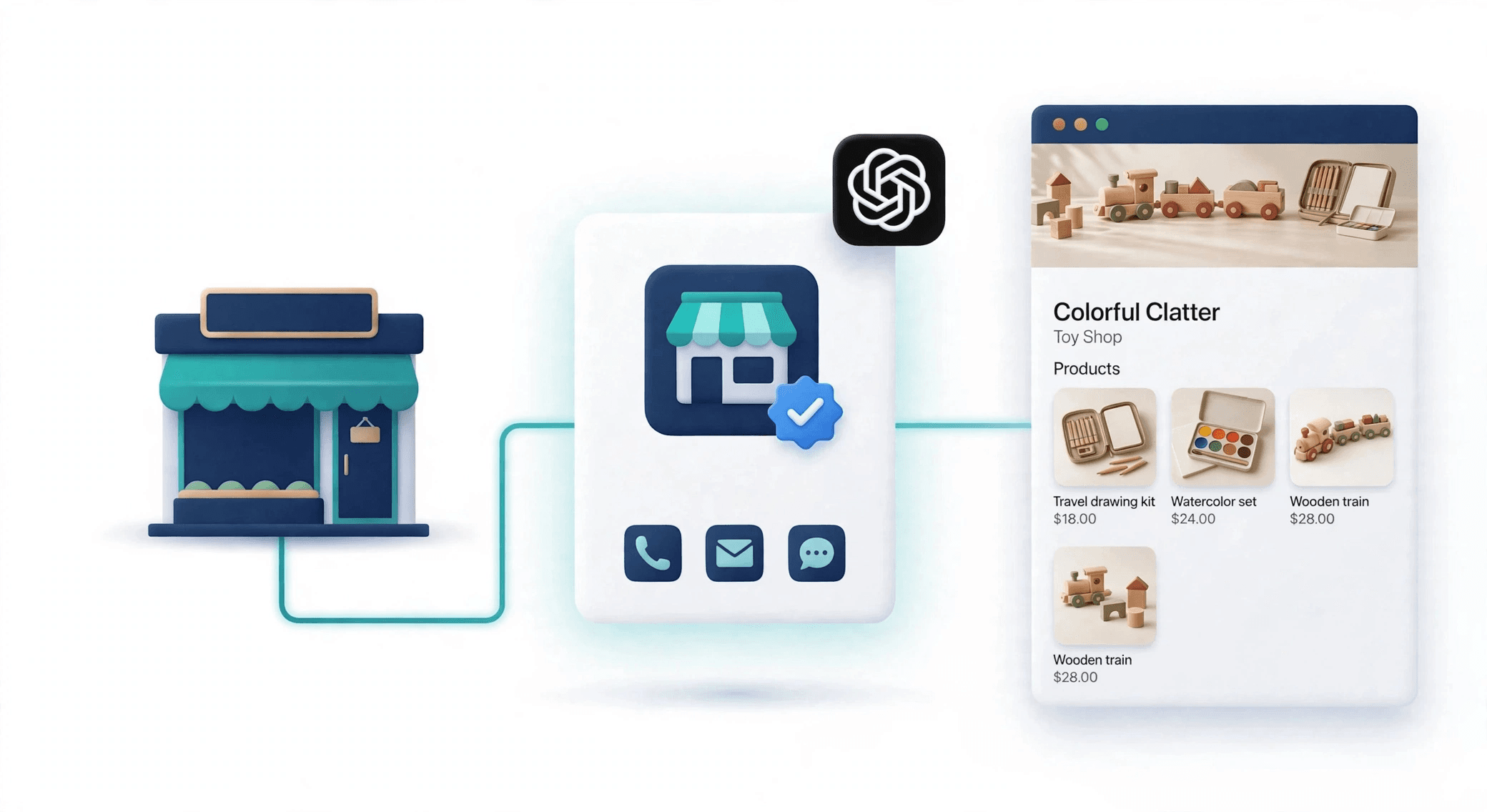
People ask ChatGPT what to buy and who to hire. Until now, businesses had no say in what it told them. On Tuesday, November 10, OpenAI introduced a beta where eligible companies can claim profiles, verify their identity and update information about their operations. Here is what that means in practice.
What launched
Business Hub is the dashboard. You claim your business there, and once verified you edit its profile and add a product feed. The beta has three parts: the hub itself, insights, and Business Agents. Business Agents are chatbots that speak for the business inside ChatGPT.
Who can claim
You can claim a business if you own it or are authorized to represent it, and you must verify your connection and be approved. Business Hub is launching globally for eligible businesses wherever ChatGPT is available, and that includes Europe.
Some features are narrower:
Local stores and restaurants can currently claim only an existing U.S. listing.
Business Agents are available only to eligible e-commerce and online service businesses in the United States.
A standard product feed upload targets the US.
Availability depends on whether verification is supported where you are, so test it with your own business before promising anything to clients.
How claiming works
Sign in to ChatGPT and open Business Hub from the sidebar.
Search for your business and select the matching listing.
Verify by business phone, business email, a DNS TXT record on your domain, or a Shopify store.
Wait for OpenAI’s review. The decision arrives by email.
Complete identity verification with Persona, which may ask for a government ID, business registration details and proof you’re authorized.
Publishing changes, connecting a feed and viewing insights all require that identity step. OpenAI reviews every profile change before it goes live.
What you can do after claiming
Fix the facts. Update your website, description, category, logo, cover photo, and delivery and return policies.
Add products. Shopify merchants connect their store. Others upload a feed with nine required fields, including title, price and availability.
Measure. Insights show mentions, website clicks and discovery topics over the past 28 days. One catch: for an online business, a mention counts only when ChatGPT references your website, not just your brand name.
What it won’t do
Claiming doesn’t guarantee higher placement or sales. ChatGPT also keeps using other sources about you. Claiming gives you accurate inputs, not control. Claiming, advertising and publishing an agent are separate things, so you can claim without ever paying for ads.
Agents also have limits: they explain and link, but can’t complete purchases or bookings.
What to do this week
Check how ChatGPT describes your business. Ask it the questions your customers ask.
Make sure your website, prices and policies match each other.
Prepare your verification method (usually DNS or a business email).
If you sell products, clean your catalog and build the feed.
Filter your analytics for traffic from ChatGPT adds a utm_source tag to its links, so you can track visits today
How DevDinos can help
Our Business Hub Readiness Check covers the profile audit, claim preparation, product feed creation and tracking setup. You complete the identity check yourself, because it involves your own ID and documents. We don’t promise rankings, because nobody can.